
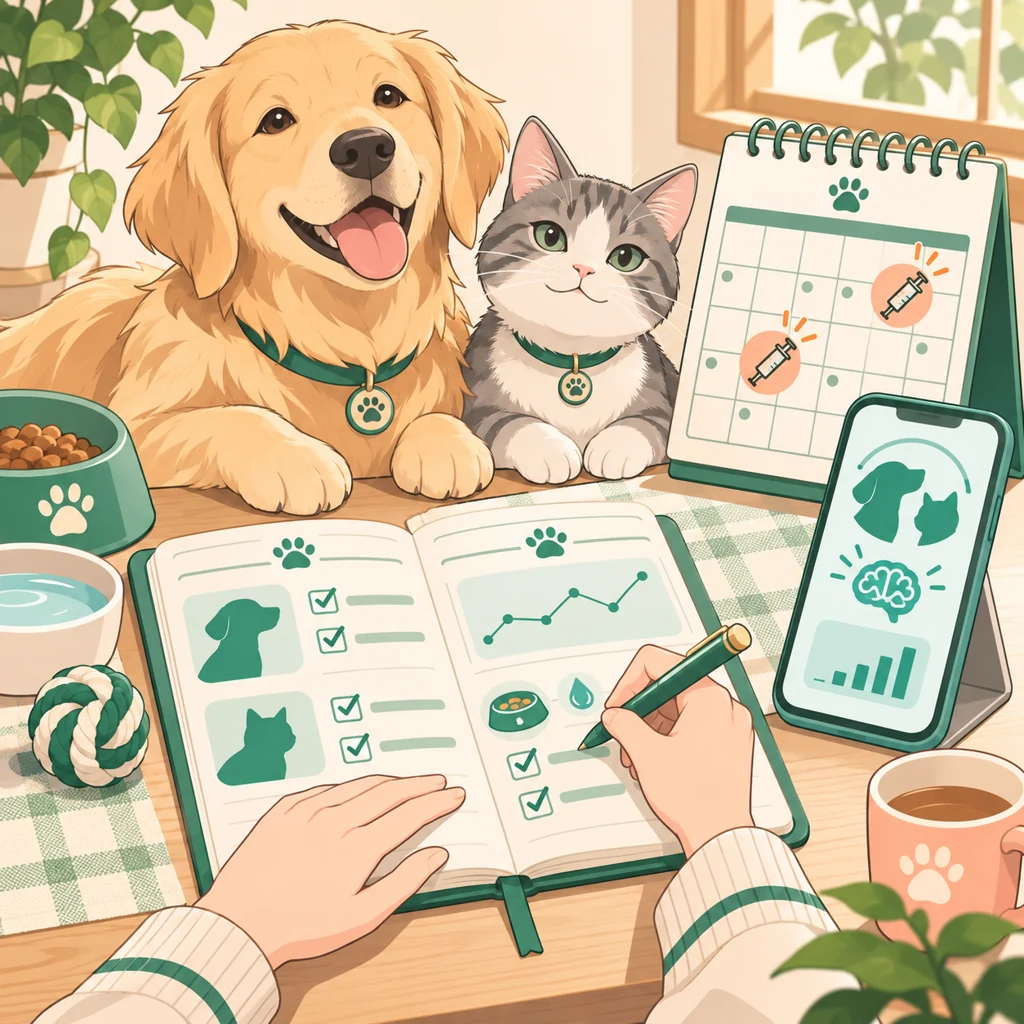
The PetSmart mobile app is the retailer’s official app for shopping, rewards and service bookings. Tasma is a separate pet-care app for organising records, reminders and AI-assisted observations. They serve different purposes, and Tasma is not affiliated with or endorsed by PetSmart.
If you searched for a pet smart app because you want more structure around your companion’s daily care, start by identifying the job you need help with. Buying supplies, remembering a vaccination date and understanding a food label are three different tasks. Your choice should follow your routine.
What does the PetSmart mobile app do?
According to the official PetSmart app information page, its offering includes shopping, service appointments, rewards and Autoship management. Check the retailer’s current details for availability and terms in your location.
For an existing customer, keeping those activities together can be convenient. This article does not review checkout performance or rank the two products. It explains how a separate care organiser can address a different part of pet ownership.
What should a pet smart app help you manage?
A useful care companion should make information easier to find at the moment you need it. Think about the last time someone asked when your dog was vaccinated, which food your cat ate or whether a weight change was recent. The challenge is often scattered information rather than a missing purchase.
Look for clear profiles, dated records and reminders that you can check against your veterinary instructions. When an app offers AI, it should explain the input, the purpose of the result and its limits. A confident answer on a screen is not evidence that a health problem has been ruled out.
Meet Tasma: a companion for everyday care
Tasma brings dog and cat profiles, vaccination and health records, care reminders and weight tracking together. Instead of trying to reconstruct a timeline from memory, you can keep relevant entries associated with the correct pet.
Imagine preparing for a routine appointment: you review the profile, check recorded dates and note a question about a recent change. That is a practical way to use a care app without expecting it to replace the clinic’s records or your veterinarian’s judgement.
Explore the tools: See Tasma’s pet care features.
Use AI tools to prepare better questions
Ask Tasma supports everyday questions using the pet details you provide as context. Food Analysis helps explain labels and ingredients. Photo-based observations explore visible cues, while stool analysis offers informational observations about an image. These tools can help you organise what to ask next.
Video-based observations and pet sound interpretation add other ways to explore context where available. Sound results are possible interpretations, not literal translations of your pet’s thoughts. AI output may be incomplete or wrong; concerning symptoms need veterinary attention rather than repeated app checks.
Keep records useful between appointments
A weight entry becomes more helpful when you add the correct date and compare it with earlier measurements. A reminder works best when its date matches the care plan your clinic supplied. Small habits make an organiser valuable: select the right profile, record changes promptly and verify important details.
Build your record routine: Read our Dog and Cat Vaccination Records guide.
Choosing between the PetSmart mobile app and Tasma
Choose by purpose. For retailer orders, loyalty benefits or its appointment services, consult PetSmart’s official offering. For organising your own care information and exploring AI-assisted explanations, consider Tasma. Using one does not automatically require or exclude using the other.
Before trying any pet smart app, review permissions and privacy disclosures. The FTC’s guidance on app data collection explains how to review smartphone access and disable permissions you do not need. Check subscription terms and current feature availability too.
Tasma offers free access limits alongside Premium options. Review the store listing and in-app details for your platform before subscribing. Start with the organising tools you will actually use, then decide whether additional analysis features fit your household.
Frequently asked questions
Is Tasma the PetSmart mobile app?
No. Tasma is a separate app and is not affiliated with PetSmart. For the retailer’s official app, use its own website or verified store listing. Tasma focuses on pet-care organisation and AI-assisted information.
Can a pet smart app replace a veterinarian?
No. Organisation tools and AI explanations do not provide a veterinary examination or diagnosis. Use them to keep information together and prepare questions. Contact a veterinarian directly about medical decisions or worrying symptoms.
Can Tasma help with both dogs and cats?
Yes. Tasma supports dog and cat profiles. Keep each animal’s details and records separate, and check that the active profile is correct before recording an entry or using a context-based tool.
Does Tasma book PetSmart grooming or manage rewards?
Tasma is not a PetSmart booking or loyalty service. Use the retailer’s official channels for those tasks. Tasma’s records and reminders help organise your own care information rather than manage a retailer account.
How can I try Tasma for everyday pet care?
Download Tasma from its App Store or Google Play listing, review available features and start with your pet’s profile. Add accurate records and check reminder settings. Try the available free access before choosing whether Premium meets a specific need.